Layer Height and Line Width
This guide explains the critical slicer settings of Layer Height and Line Width, detailing their impact on print quality, strength, and speed for the Vision Miner 22IDEX V4. Understanding and adjusting these parameters allows you to balance visual detail, structural integrity, and print time effectively.
Layer Height and Line Width are fundamental parameters configured in your slicing software (e.g., PrusaSlicer) before printing. Layer Height dictates the vertical thickness of each deposited layer, directly influencing surface smoothness and print duration. Line Width (also known as Extrusion Width) controls the width of a single extruded line, impacting layer adhesion, dimensional accuracy, and print strength.
Start with Vision Miner profiles and test incrementally
Always ensure your filament is dry before printing, as moisture can negatively affect extrusion consistency and layer adhesion. Start with the default Vision Miner profiles for your material and nozzle size, and adjust incrementally. Perform small test prints when making significant changes to Layer Height or Line Width to verify results before committing to large prints.
1. Layer Height
Layer Height determines the vertical resolution of your print. Thinner layers create smoother surfaces, especially on sloped or curved areas, but significantly increase print time. Thicker layers print faster but result in more visible layer lines (stair-stepping effect).
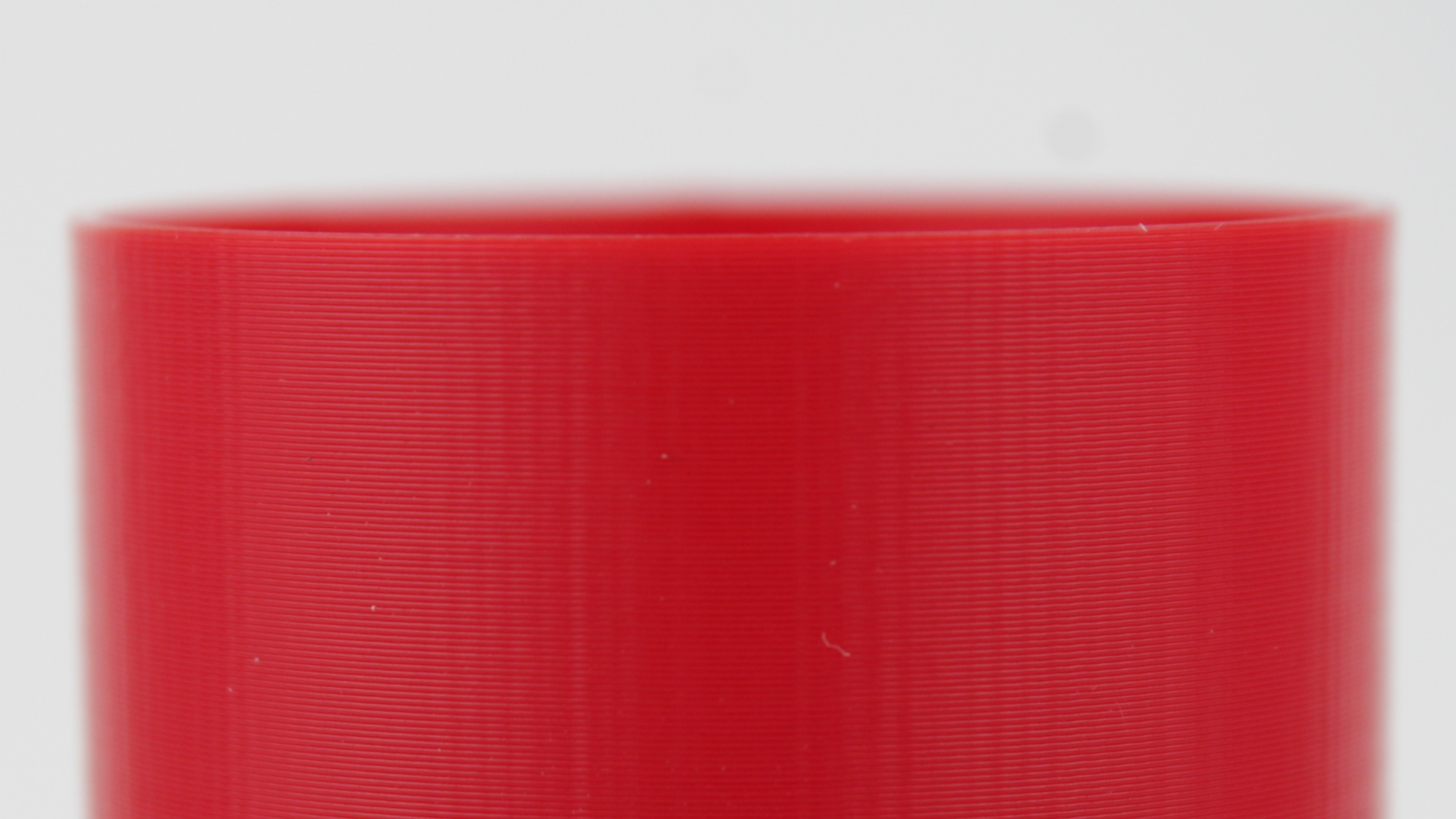
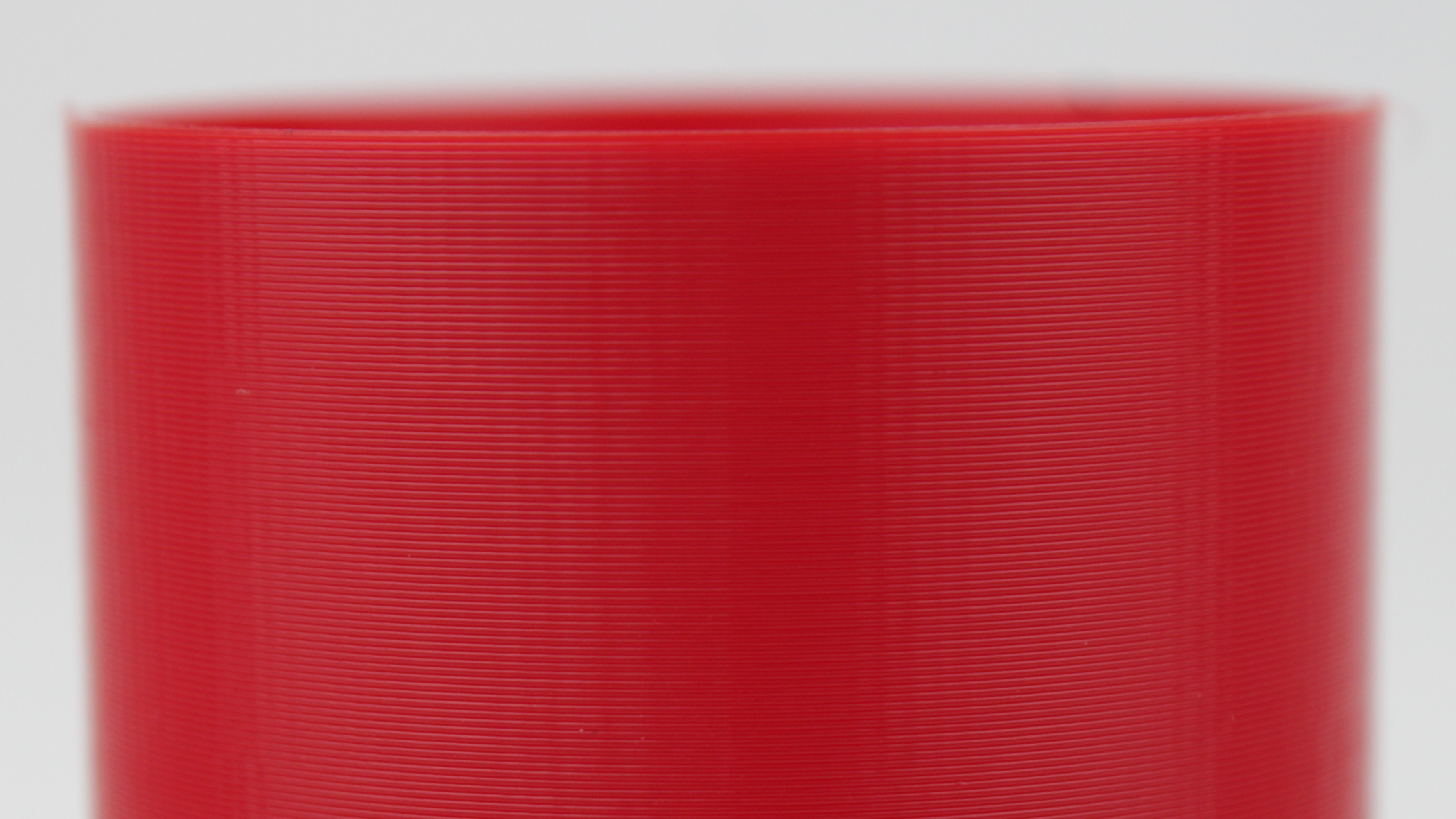
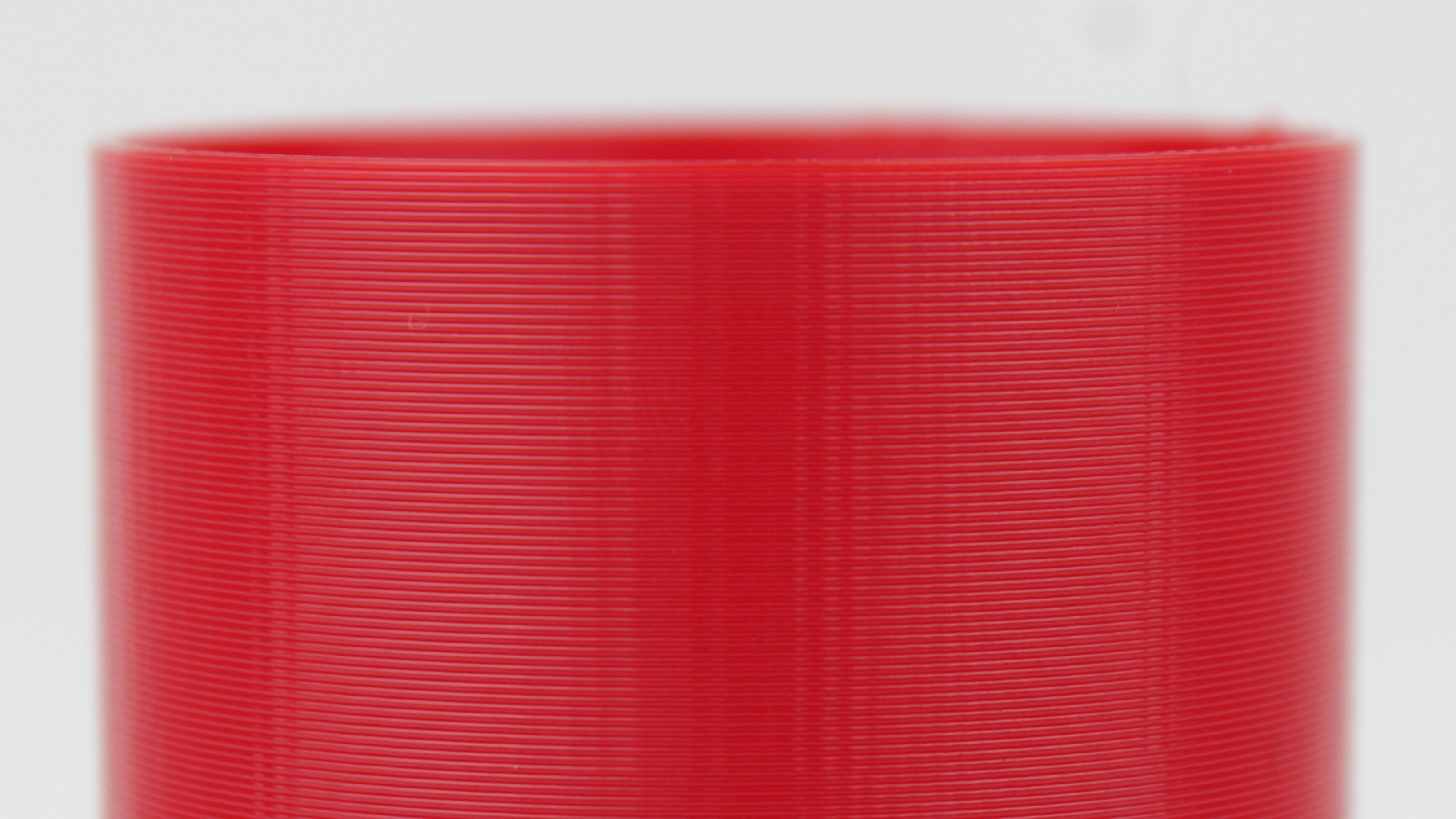
Key Considerations:
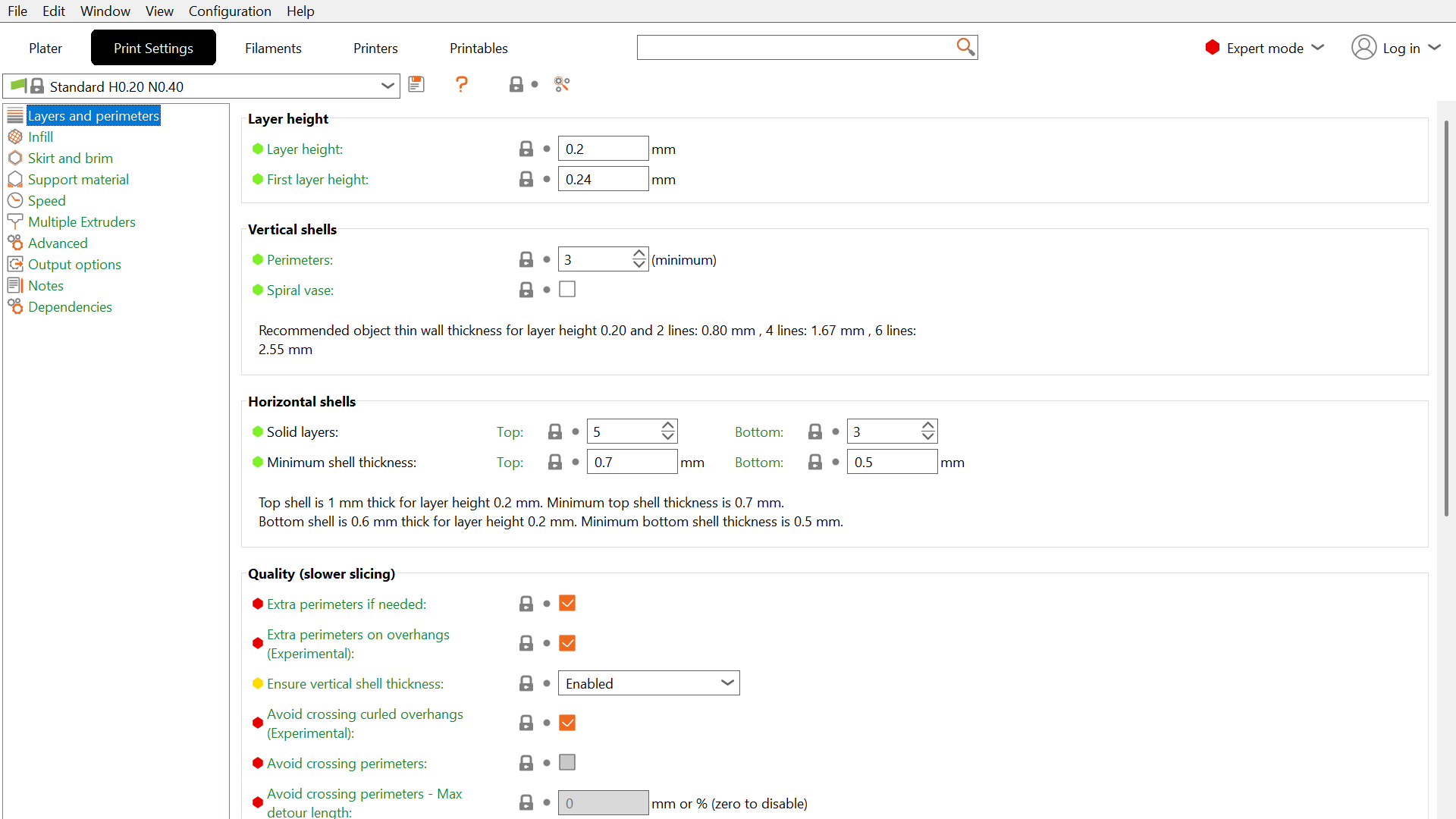
- Vision Miner 22IDEX V4 Specific Rule: For optimal performance due to the printer's Z-axis mechanics, Layer Height must be divisible by
0.04mm. Common recommended values include0.12mm,0.16mm,0.20mm,0.24mm, etc. - General Rule of Thumb: Keep the layer height at 50% or less of your nozzle diameter for good print quality and strength. For a standard
0.4mm nozzle, the maximum recommended layer height is0.20mm (though0.24mm, divisible by0.04, is acceptable and often used).
Exceeding 50% nozzle diameter compromises strength
Exceeding 50% of the nozzle diameter (e.g., 0.30 mm on a 0.4 mm nozzle) can compromise layer adhesion and reduce overall part strength, even if the print completes faster. Studies suggest strength significantly drops off beyond this ratio.
- Default Recommendation (0.4 mm Nozzle): A layer height of
0.20mm offers a good balance of speed and quality. For higher detail,0.16mm is recommended. - First Layer Height: It is often beneficial to use a slightly thicker first layer to improve bed adhesion and compensate for minor bed leveling variations.
- Recommendation (0.4 mm Nozzle): Set the First Layer Height to
0.24mm. This value is divisible by0.04and provides a robust foundation.
- Recommendation (0.4 mm Nozzle): Set the First Layer Height to
- Impact on Strength: While thinner layers (e.g.,
0.10mm,0.15mm) might seem intuitively better for adhesion due to increased squish and potentially better melting, tests show layer adhesion doesn't necessarily improve significantly with very thin layers and might even slightly decrease compared to moderate heights like0.15mm or0.20mm (for a 0.4mm nozzle). However, excessively thick layers (e.g., >0.25mm on a0.4mm nozzle) demonstrably reduce layer adhesion and part strength. - Print Time: Print time is inversely proportional to layer height. Halving the layer height (e.g., from
0.20mm to0.10mm) will roughly double the print time.
2. Line Width (Extrusion Width)
Line Width determines the width of the extruded plastic bead. It is often set as a percentage of the nozzle diameter or an absolute value in your slicer. Adjusting this affects how densely lines are packed, impacting strength, surface finish, and overhang performance.
Key Considerations:
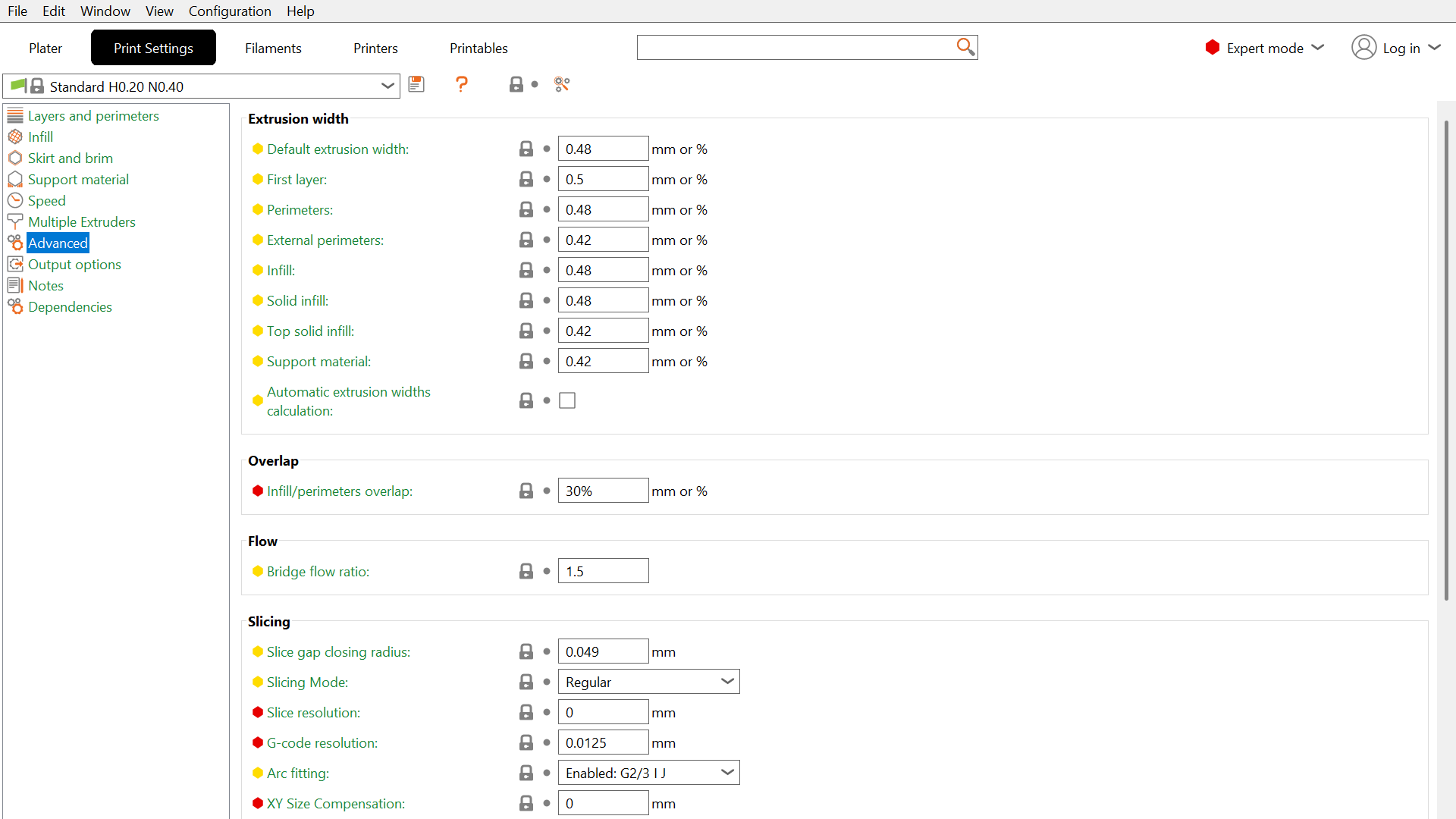
- Default Recommendation: Set the default Line Width (for infill, internal perimeters) to 110% - 120% of your nozzle diameter.
- Recommendation (0.4 mm Nozzle): Use
0.48mm (120%). This slightly over-extruded width promotes better fusion between adjacent lines and between layers, increasing part strength.
- Recommendation (0.4 mm Nozzle): Use
- First Layer Line Width: Use a significantly wider line width for the first layer to maximize bed adhesion.
- Recommendation (0.4 mm Nozzle): Set the First Layer Line Width to 150% of the nozzle diameter, which is
0.60mm. This forces more material onto the build surface for a strong initial bond.
- Recommendation (0.4 mm Nozzle): Set the First Layer Line Width to 150% of the nozzle diameter, which is
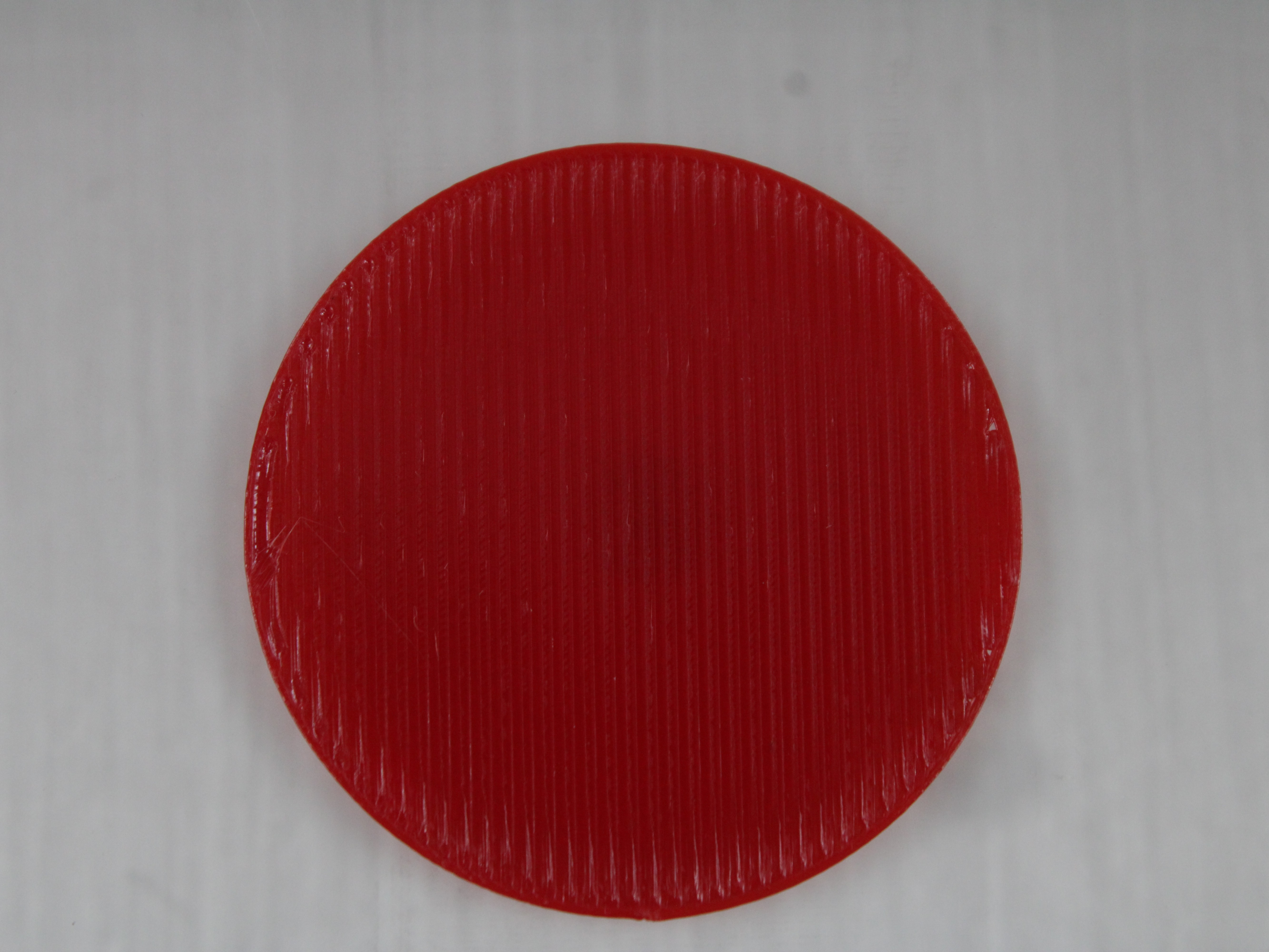
- Top Surfaces: For a smoother, more closed top surface, a slightly narrower line width can be beneficial, closer to the nozzle diameter.
- Recommendation (0.4 mm Nozzle): Consider using
0.42mm (105%) for top solid infill.
- Recommendation (0.4 mm Nozzle): Consider using
- Outer Perimeters (External Walls): A slightly narrower line width can sometimes improve the appearance of overhangs, as there's less material mass potentially sagging.
- Recommendation (0.4 mm Nozzle): Experiment with
0.42mm (105%) for external perimeters if overhang quality is critical, but the default (0.48mm) often provides better overall strength.
- Impact on Strength: Increasing line width (e.g., to 120% - 150%) generally improves layer adhesion and overall part strength because the extruded lines are squished together more forcefully. Tests have shown that using wider extrusions (e.g., 150% - 200%) can produce parts nearly as strong or even stronger than using more perimeters with a standard (100%) line width, sometimes in less print time.
Excessively wide line widths cause print quality issues
Excessively wide line widths (e.g., >200% or 0.8 mm for a 0.4 mm nozzle) can lead to print quality issues like rough surfaces, difficulty printing fine details, increased nozzle pressure potentially causing extruder issues, and requiring more cooling. Ensure your hotend can handle the increased material flow.
Wide lines wear the nozzle out faster on filled materials
Pushing more plastic through the nozzle than a standard line width and layer height require wears the nozzle noticeably faster. On plain polymers this is a slow effect, but on engineering filaments loaded with glass fibre (GF) or carbon fibre (CF) the abrasive filler grinds the bore open while you print.
In our own testing, a single kilogram of PEEK+GF20 run through one nozzle at 450 °C was enough to degrade it measurably. Treat this as a real consumable cost on PEEK+GF20, PEEK+CF10, PPS+CF10, and PPA+CF10, and be conservative with line width on those materials. If a job does not need the extra strength or speed, print it at the standard width and keep the nozzle for the parts that do.
- Slicer Settings: In PrusaSlicer, Line Width settings can typically be found under
Print Settings->Advanced. You can set defaults and specific widths for different features (First Layer, Perimeters, Infill, Top Solid Infill).
FAQ
Support
If you could not find an answer here, reach out to our support team.